
How to sign up
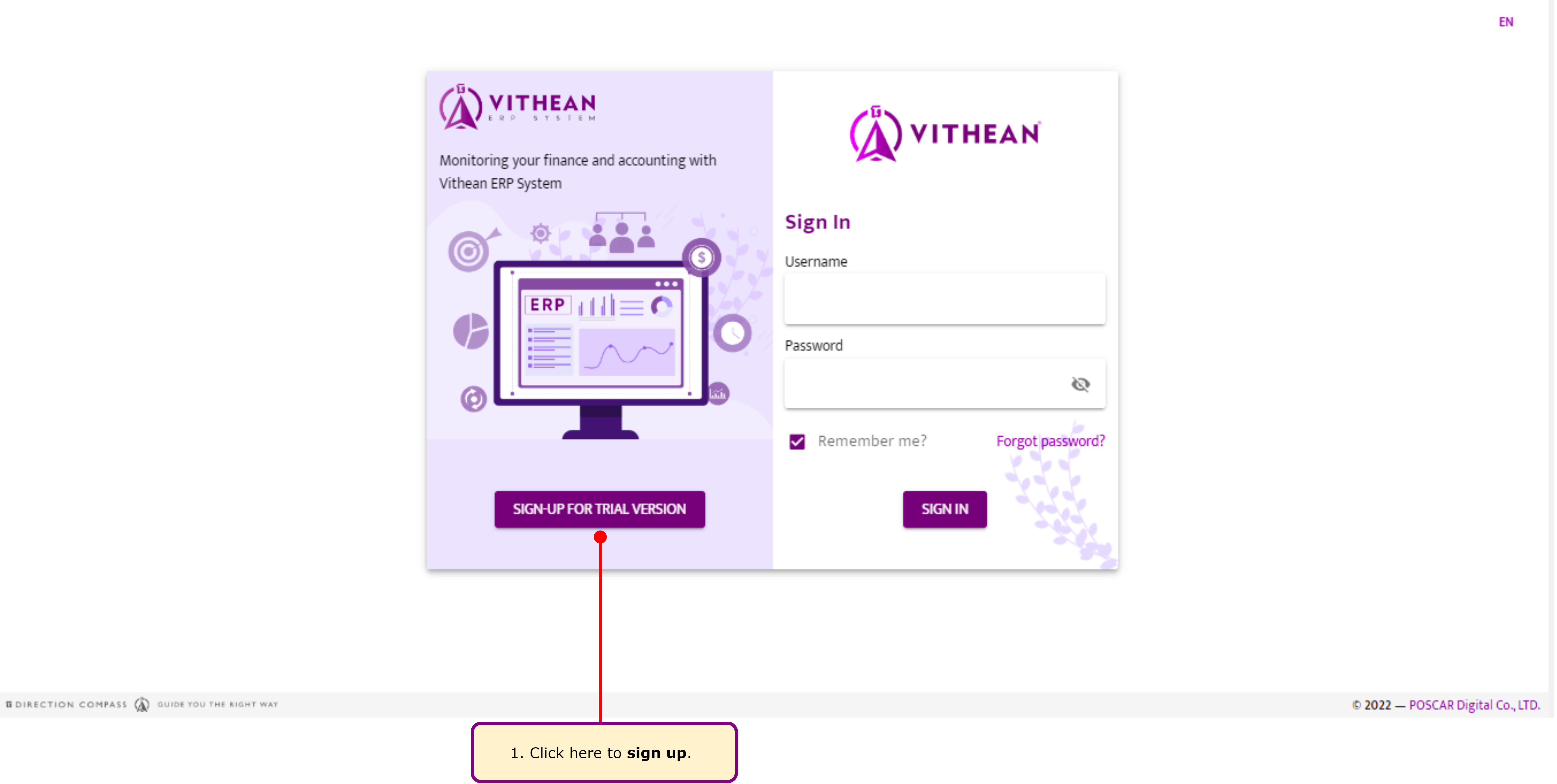
Vithean is our top pick for the best small/medium business accounting software. If you don’t already have a subscription, new users can take advantage of a 30-day free trial. To sign up, Vithean requires your email, name, and phone number.
Packages
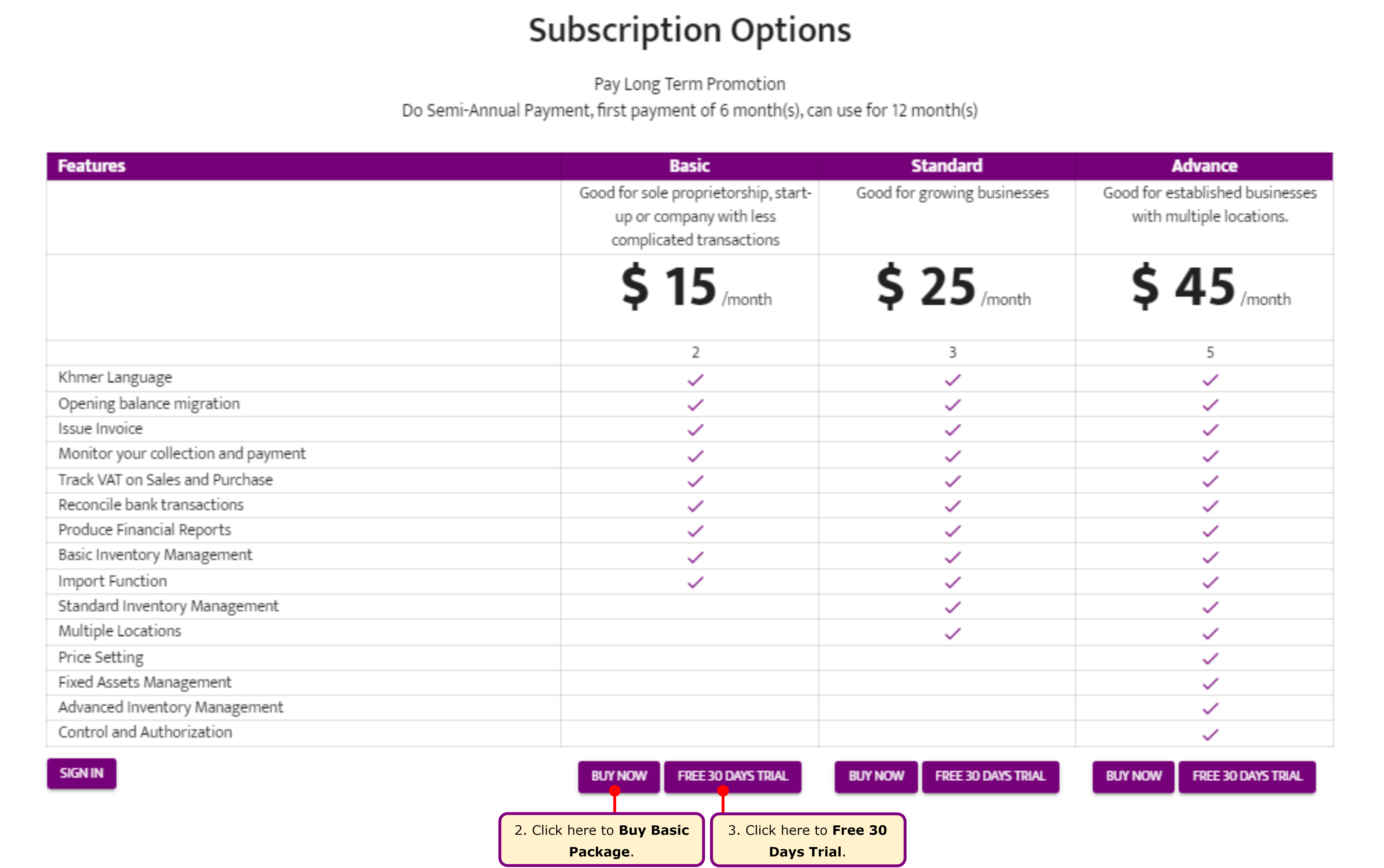
Section titled “Packages”Vithean offers three packages for you to choose from:
Choose a Package
Section titled “Choose a Package”- To use the 30-Day Free Trial, click Free 30 Days Trial.
- To subscribe to a package, click Buy Now for the desired package.
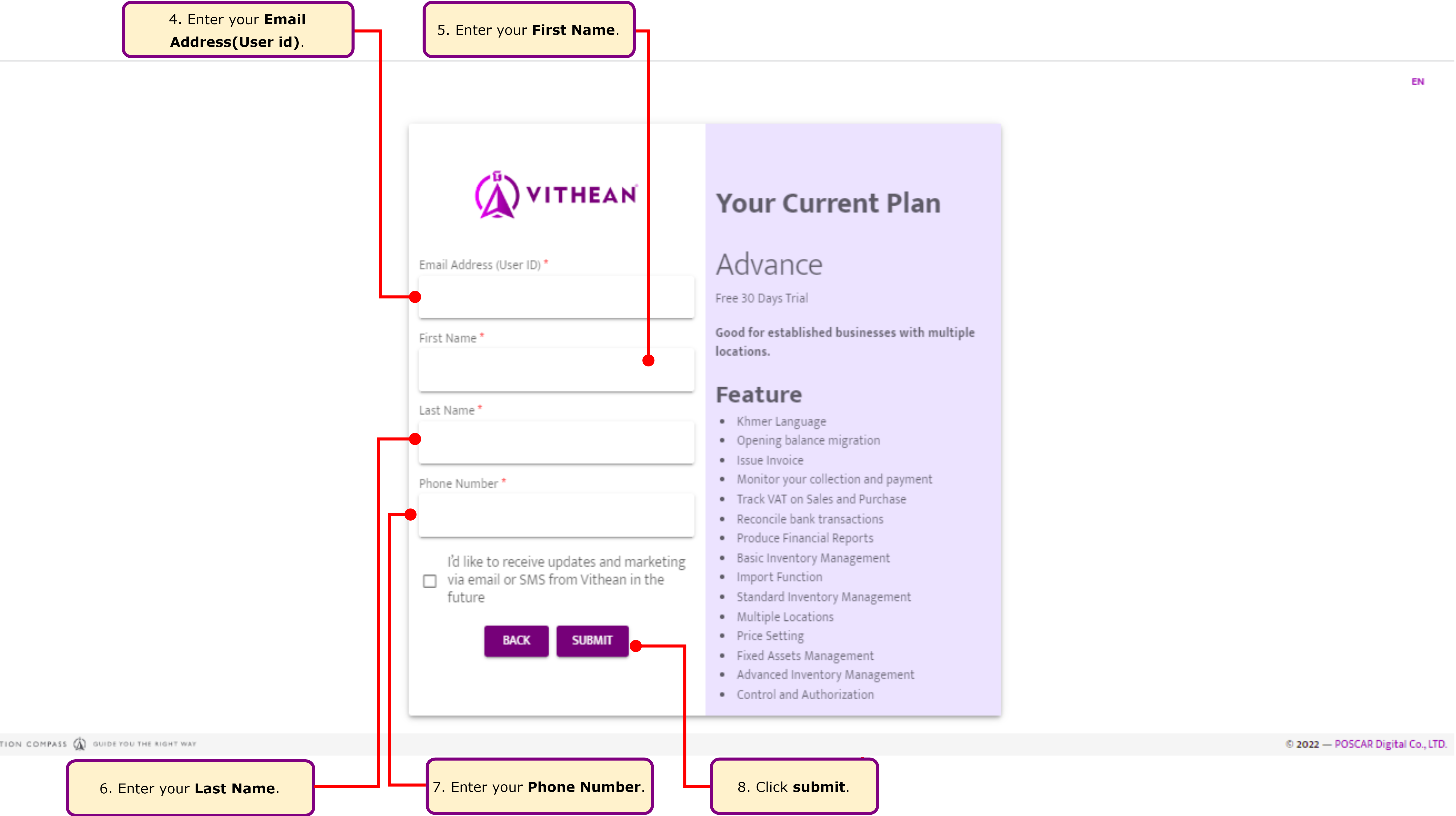
Required Information for Sign Up
Section titled “Required Information for Sign Up”To sign up, you’ll need:
- Email Address
- First Name
- Last Name
- Phone Number
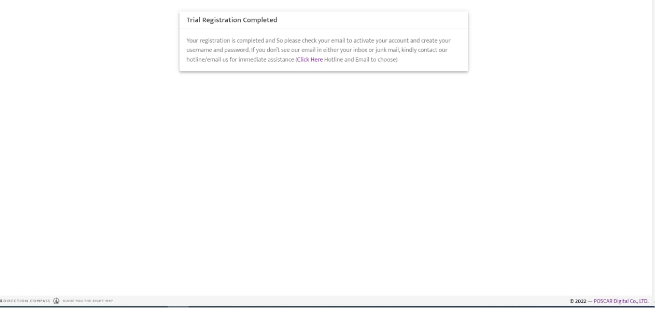
Complete Registration
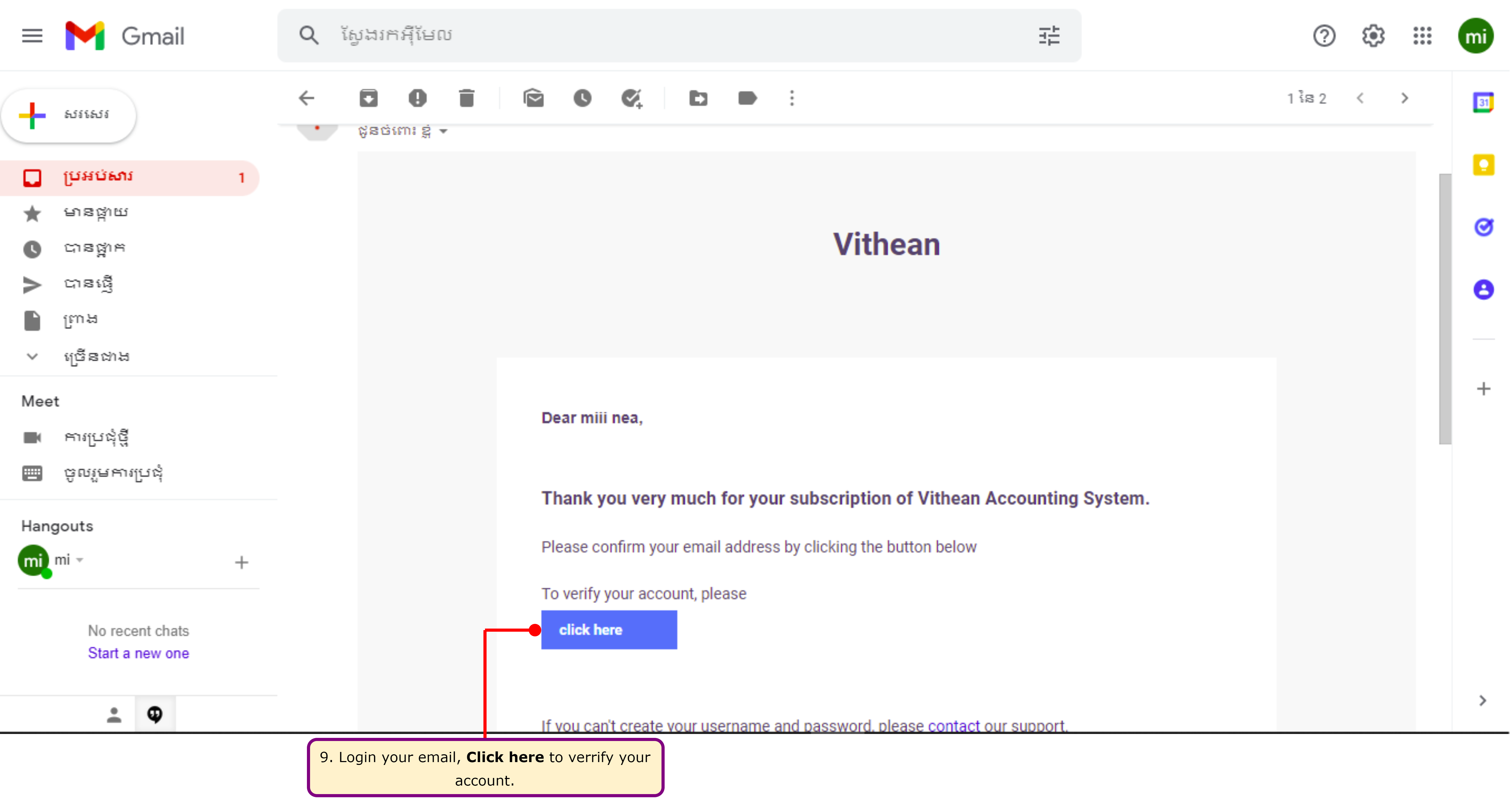
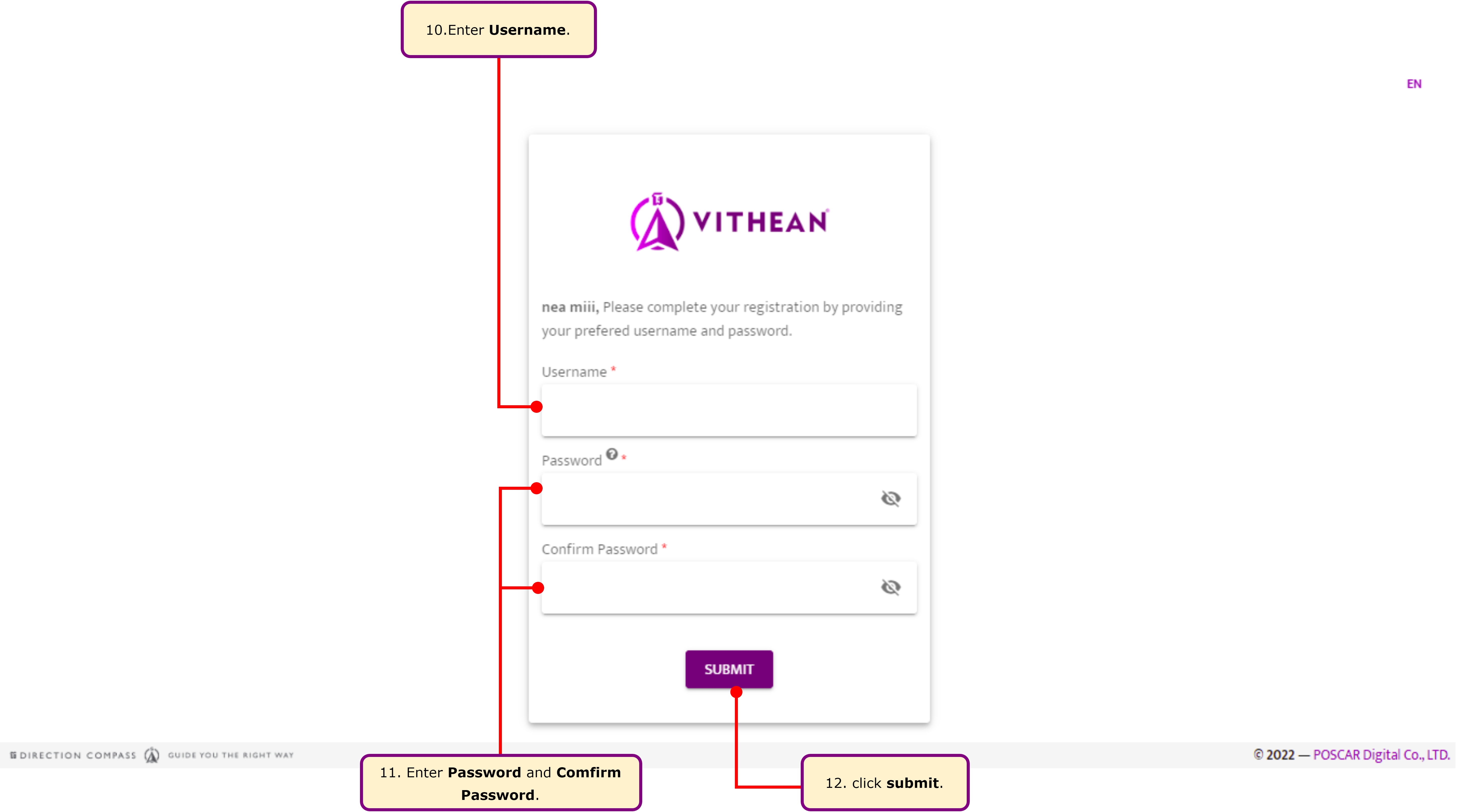
Section titled “Complete Registration”Once you’ve registered, check your email to activate your account. You’ll be prompted to create a username and password.
Email Verification
Section titled “Email Verification”Log in to your registered email account and locate the email sent by Vithean. Click the “Click Here” Button to verify your account.
Sign In
Section titled “Sign In”After verification, enter your username and password to log in to your Vithean account.
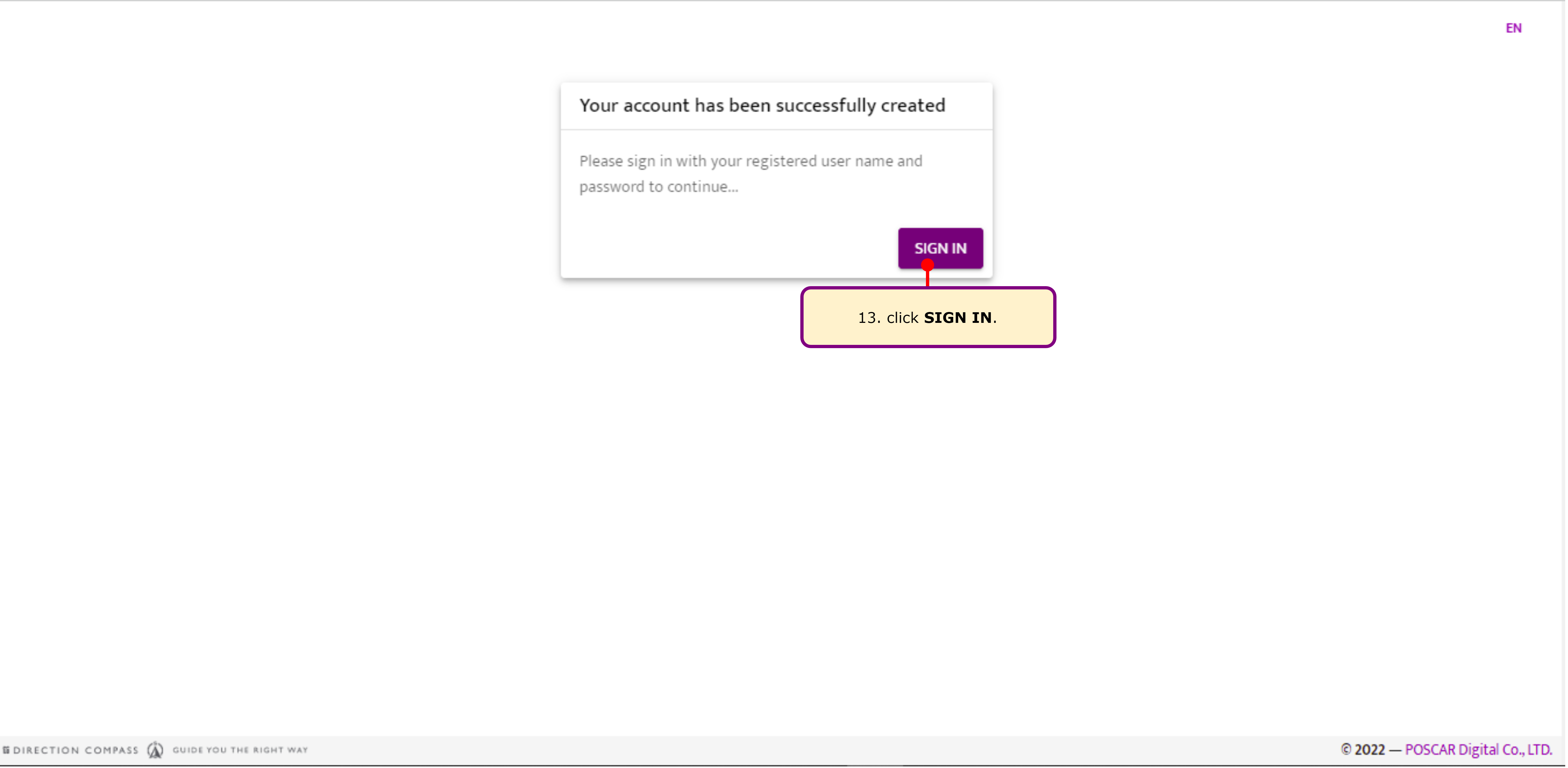
Account Creation Success
Section titled “Account Creation Success”Your account has been successfully created.
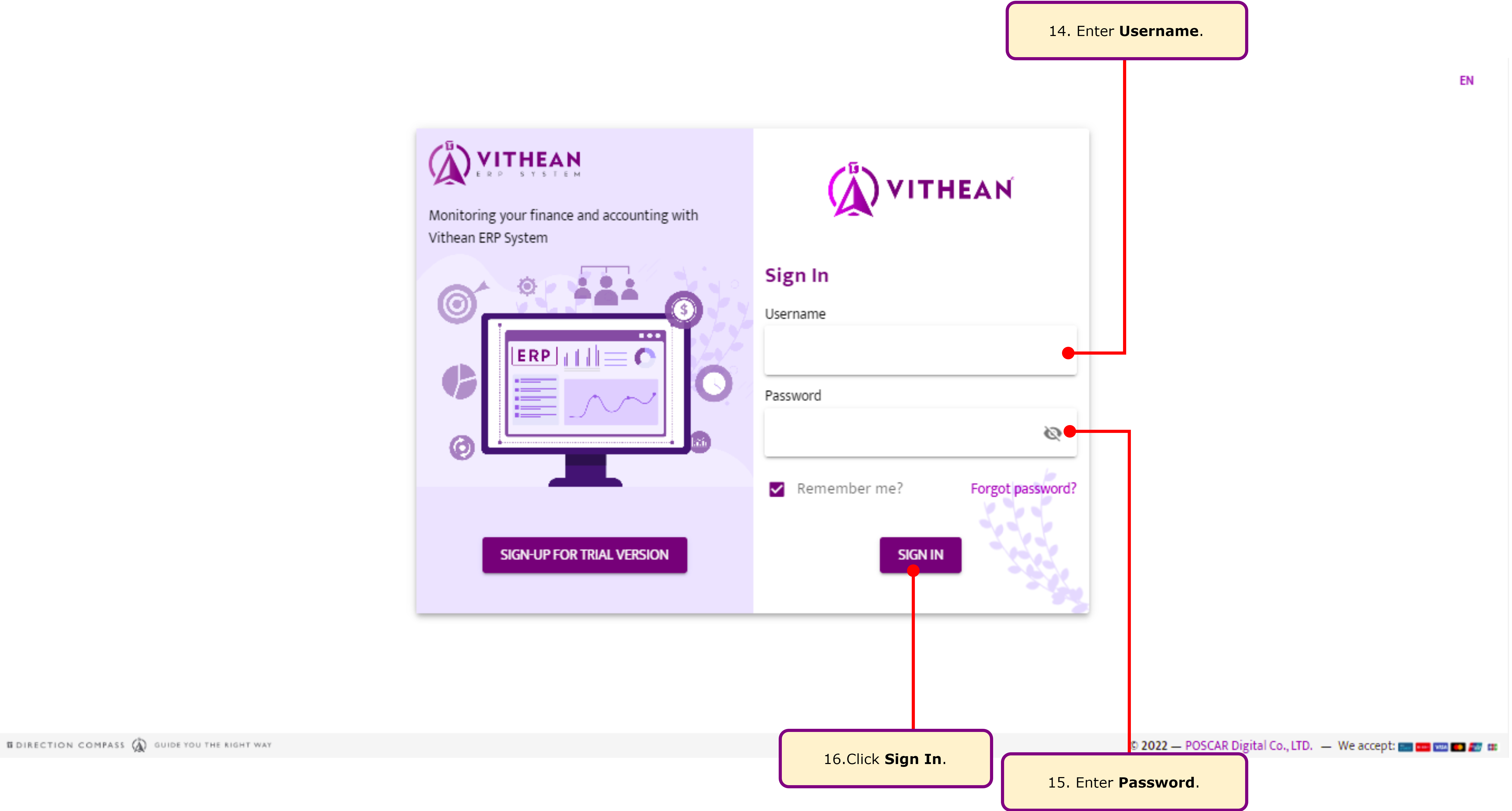
Set Up Your Company
Section titled “Set Up Your Company”Log in with your username and password to begin setting up your company.
Have you signed up for 30-day trial yet, choose your package here?
Common Issues
Section titled “Common Issues”Not Receiving the Signup Email
Section titled “Not Receiving the Signup Email”Ensure that you check your spam or junk folder. If the email is not found, try resending the activation email or contact support.
Other Issues
Section titled “Other Issues”For further assistance, please Contact Us.