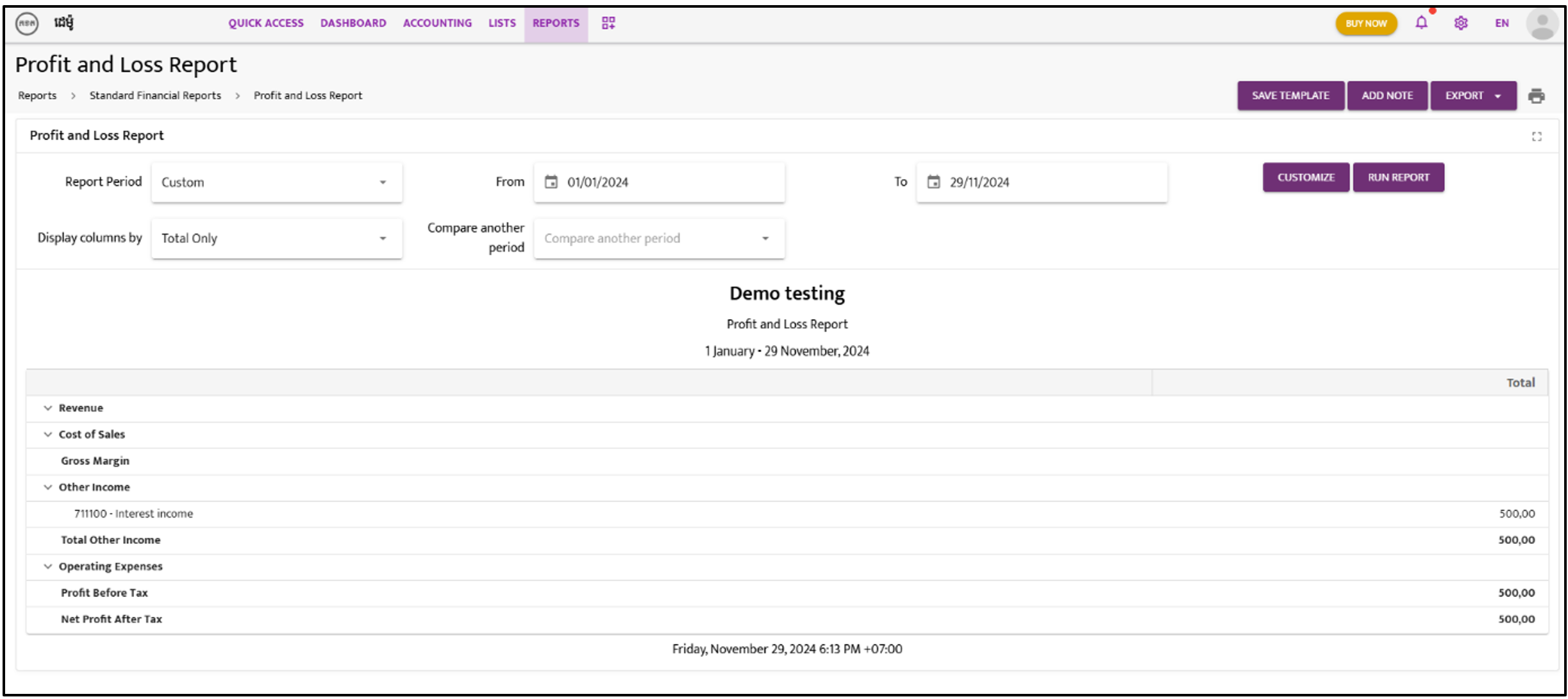
Profit and Loss Report
Follow these steps to generate a Profit and Loss Report:
Step 1:
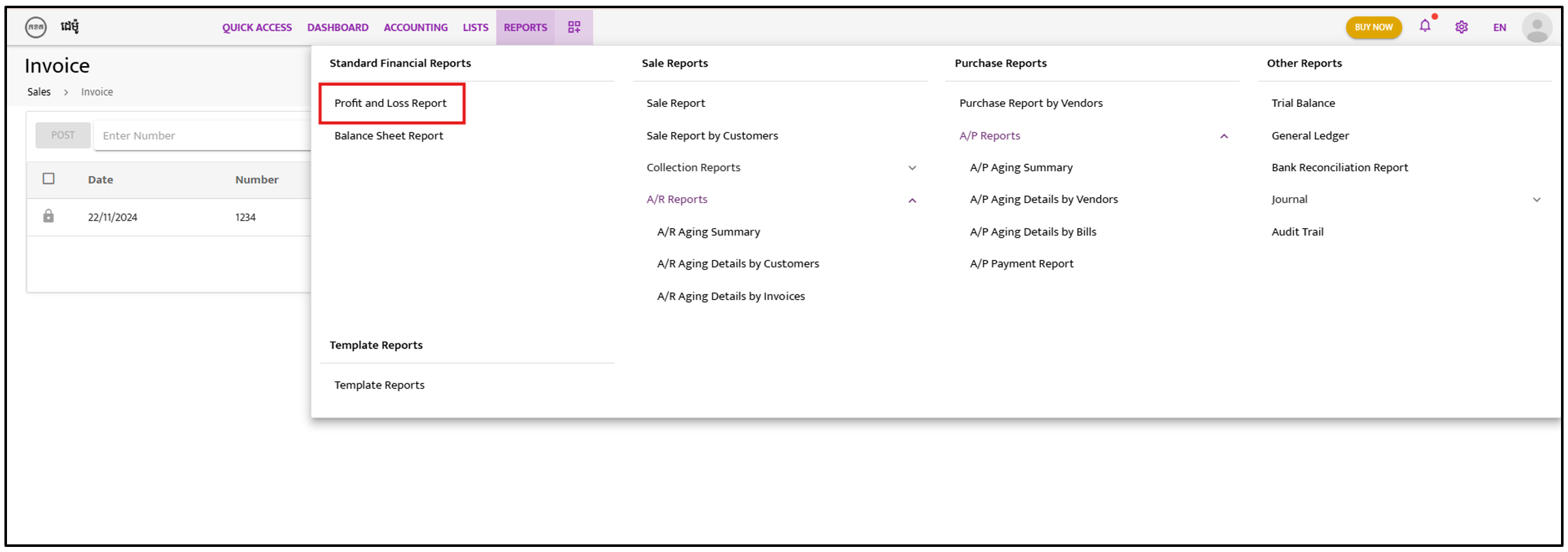
Section titled “Step 1:”Click on “Reports” and select “Profit and Loss Report”.
Step 2:
Section titled “Step 2:”Select the “Date” for the report and customize the “Display Column By” option to show Total Only or by Years, Months, etc.
Step 3:
Section titled “Step 3:”Click on “Run Report” to generate the report.